Codex Vault
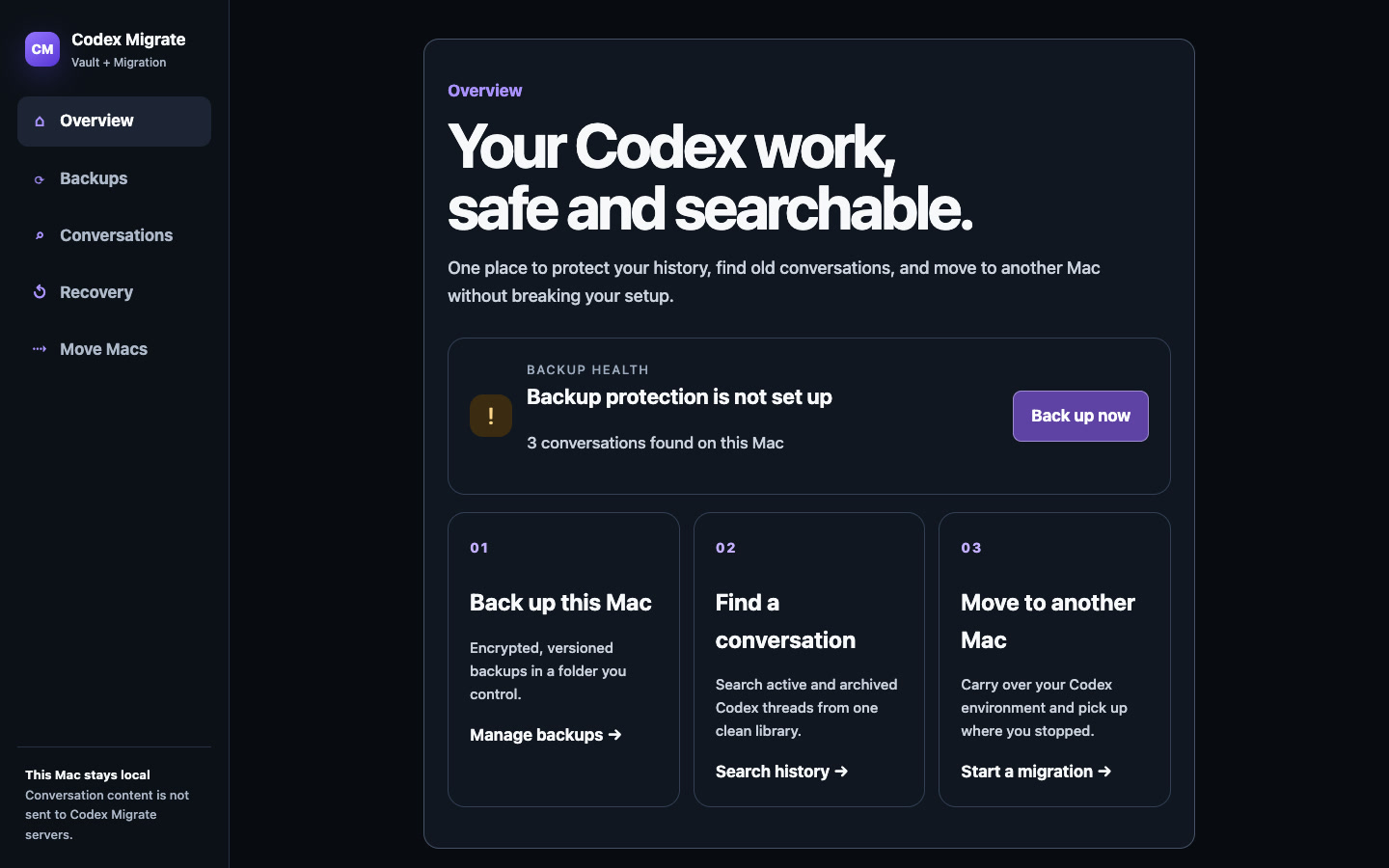
Don’t lose your Codex history.
Search the conversations stored on this Mac, keep encrypted versions in a folder you control, and recover one missing thread—or a complete verified snapshot.
Your conversations do not go through our servers. Segeren Studio does not host or receive the backup. Vault encrypts transcript content on your Mac before writing it to the local or cloud-sync folder you choose.
Find the work you already did
Search message text across active and archived local Codex conversations. Open a thread, download it as Markdown, print or save it as PDF, or use the browser’s share sheet when available. Search reads the transcript files directly and does not build a separate content index.
Keep versioned, encrypted backups
Choose an empty local folder or a folder synced by OneDrive, Google Drive, Dropbox, or another provider. Vault creates a client-side encrypted snapshot, verifies every encrypted object, and publishes the version only after verification succeeds. During setup, daily automatic backup is the recommended default; choose manual-only if you prefer. After the first snapshot verifies, the daily option installs a private macOS schedule that adds another verified snapshot every 24 hours—even when the app is closed.
The encryption key stays in macOS Keychain. The first backup shows a recovery key once; save it in your password manager. If you lose both the Keychain item and that recovery key, the backup cannot be decrypted.
Recover without guessing
Open a verified snapshot privately and search it before changing live data. You can add one missing conversation while proving every pre-existing transcript remains unchanged. If the same thread identity already exists with different content, Vault stops instead of overwriting or inventing a merge.
Complete recovery first decrypts the selected version into an empty folder for inspection. Installing it into Codex is a separate confirmation: Codex must be closed, Vault creates and verifies a rollback backup, and authentication and installation identity remain untouched.
Exactly what Vault protects
Included
Active and archived local Codex conversation transcript trees, their relative paths, and the encrypted snapshot metadata required to verify and recover them.
Deliberately excluded
auth.json, installation_id, SSH keys, settings, skills, repositories, worktrees, logs, caches, and runtime locks. Use the migration workflow for the broader working environment.
What Vault is not
Vault is not continuous synchronization between two active Macs, not a hosted Segeren Studio cloud, and not ordinary ChatGPT cloud-chat backup. It protects the supported local Codex transcript trees used by Codex, including Codex in the ChatGPT desktop app.
Start with your problem
Protect future work
Set up encrypted, versioned Codex conversation backups with daily automatic backup as the recommended default.
Find past work
Search active and archived local Codex conversations, then export the thread as Markdown or PDF.
Restore missing work
Inspect and recover a missing Codex conversation without replacing unrelated live history.
Current beta boundary
Build 14 is signed, Apple-notarized, and available for Apple silicon Macs, with daily automatic backup selected by default during the first backup and a manual-only choice available. Selected-thread recovery has passed a physical two-Mac test. Retention controls, cloud-folder health monitoring, broader Codex-version coverage, guided permission recovery, direct-cable interruption, pristine-Mac installation, and broader hardware coverage remain ongoing. Keep an independent backup and the old Mac until you verify your result.
The complete Vault and migration engine is MIT licensed and free to run from source. The $49 Mac beta covers the packaged app and personal, best-effort help, with a 30-day refund policy.